BLOG
This is the Vcad blog.
Here you can find use cases, tutorials, examples and news.
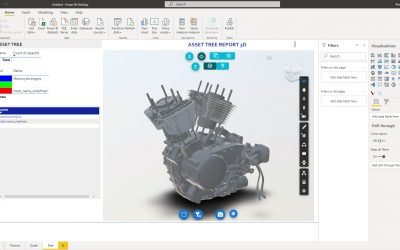
New file format. Vcad can now handle .stl file
Vcad can also handle .stl files. What is STL file? The STL (Standard Tessellation Language or...
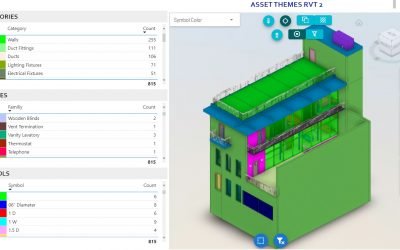
How to interact with the Vcad viewer
In this article we will see how some Vcad buttons work. By using the various buttons it is...
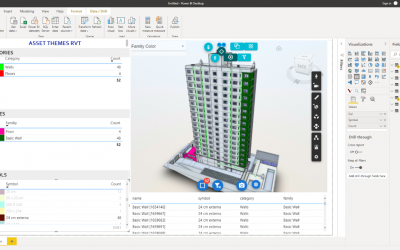
Integrating Revit and Power BI for data analysis
Study by Suelem Marques Introduction One of the first quotes about the concept of Building...
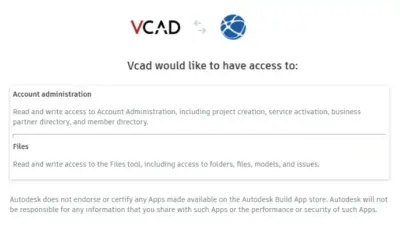
Use Vcad app with Autodesk Construction Cloud®
To be able to use Vcad for Autodesk Construction Cloud® it is necessary to authorize the app...

Vcad is part of the Autodesk BIM 360® App Store
Vcad is proud to announce its integration with Autodesk® BIM 360®, a construction management...
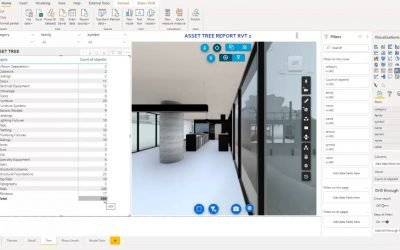
Create reports using Revit® views and sheets
People have been asking us how they can show different Revit® views in their Power BI reports. ...
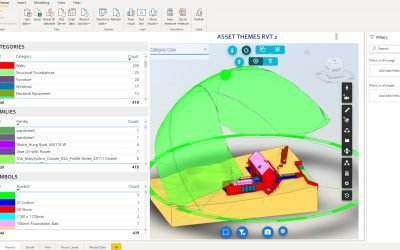
Revit files views selection on Vcad template
Starting from today, new subscribers on our portal are able to choose the view to use in the Power...
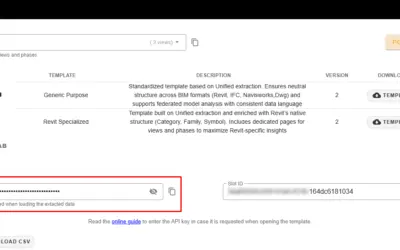
Using the security Api key on Vcad Power BI templates
To ensure data security, Vcad provides an API key that is required when the Power BI template...
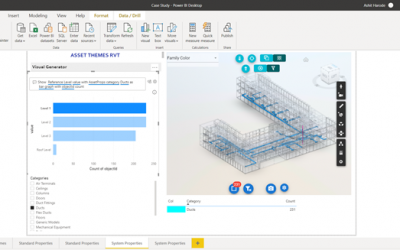
VCAD and Power BI for Facility Management
The use of Navisworks for facility management is restricted to facility managers with prior...
Stay Up To Date With The Latest Updates

Vcad transforms your model data into meaningful insights leveraging the power of Autodesk to analyze BIM in Power BI and Tableau



COMPANY
Blogic s.r.l.
Via F. Mengotti, 15
00191 Rome, Italy
VAT: IT05731610720
FOLLOW US
Privacy Policy | Terms & Conditions | Cookies - ©2026 | All Rights Reserved