BLOG
This is the Vcad blog.
Here you can find use cases, tutorials, examples and news.
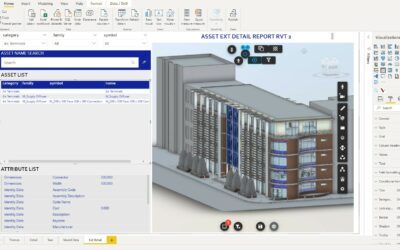
New data extraction for Revit and Navisworks files
The new version of Vcad contains innovations with regard to data extraction, along with these...
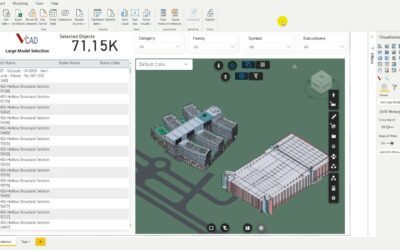
Managing large models in Vcad for Power BI
When creating a Power BI report, speed is fundamental; we don’t want our end-users to have to wait...
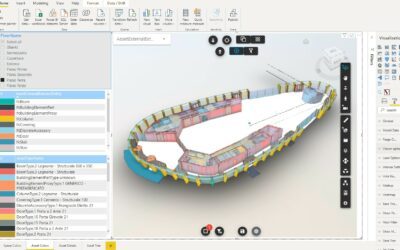
Model floor filtering: IFC and Revit files
The visualization of a model by levels is very useful in the consultation of the report. In...
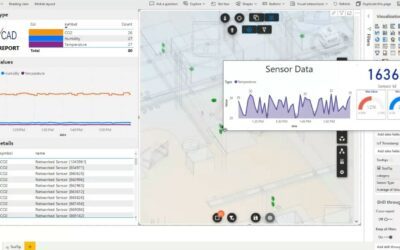
Setting tooltips in Vcad for Power BI®
Power BI tooltips are a simple and elegant way to display more contextual data and detailed...
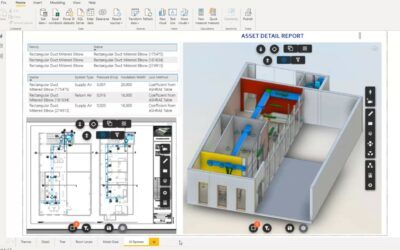
Hide Autodesk Forge® and Vcad toolbars
The Vcad and Autodesk Forge® selection toolbars play an essential role in the user experience of...
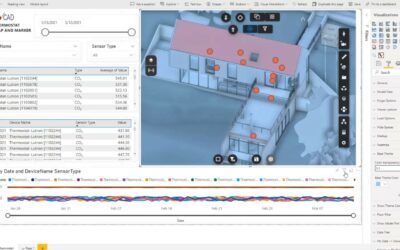
Changing the base theme color of your model
The possibility of being able to change the base colour of all elements can be very useful in...
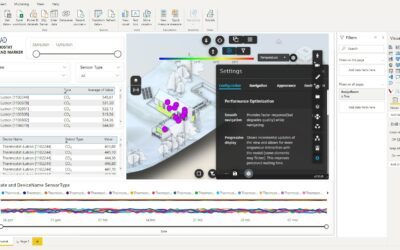
Camera positioning and Forge settings
One of Vcad's new features stems from the need of users to have more control over model placement...
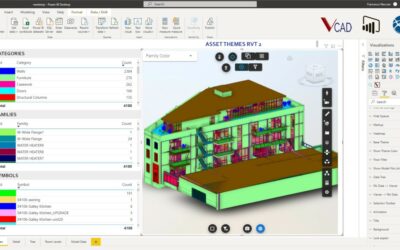
VCAD FOR POWER BI NEW MAJOR IMPROVEMENTS
We are preparing a major new release for Vcad for Power BI® that will introduce many improvements...
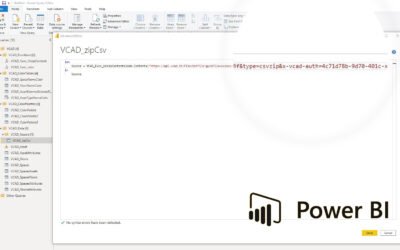
Power BI scheduled refresh with Vcad
This procedure applies to Vcad templates prior to October 2023.For new reports the procedure is...
Stay Up To Date With The Latest Updates

Vcad transforms your model data into meaningful insights leveraging the power of Autodesk to analyze BIM in Power BI and Tableau



COMPANY
Blogic s.r.l.
Via F. Mengotti, 15
00191 Rome, Italy
VAT: IT05731610720
FOLLOW US
Privacy Policy | Terms & Conditions | Cookies - ©2026 | All Rights Reserved