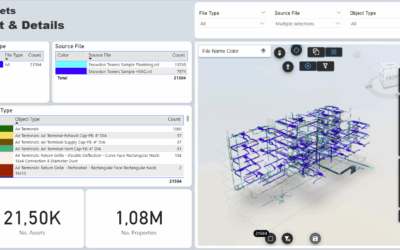
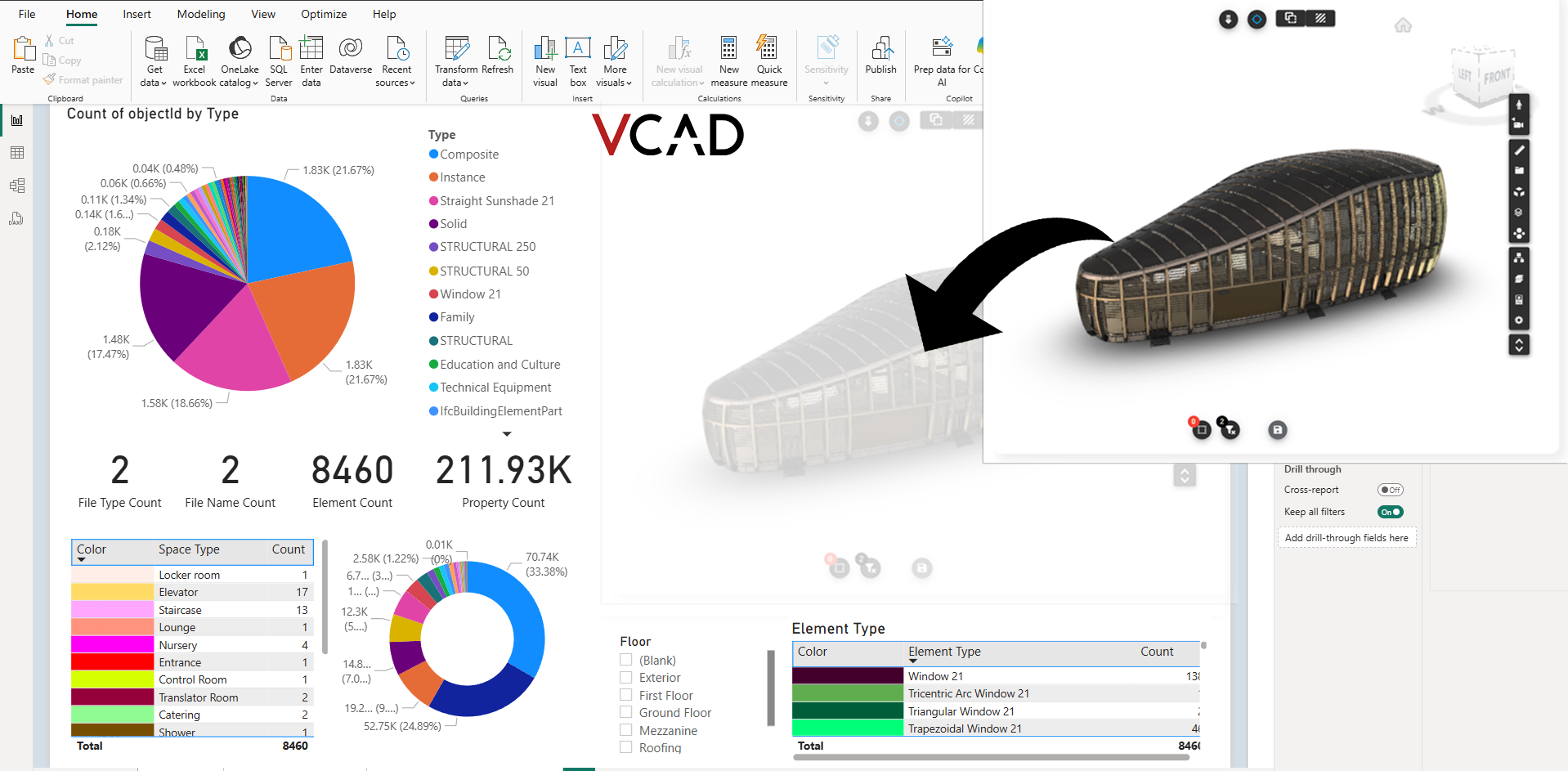

In this article, we’ll walk you through the steps to add the Vcad custom visual to an existing Power BI report.
If you’re starting from a template instead, check out this article on using premade Power BI templates
Prerequisites
To use the Vcad viewer in Power BI, you’ll need an active Vcad account. This will allow you to process BIM and CAD files, extract all objects and attributes, and render the model directly in your report.
There are two versions of Vcad available:
Vcad Standalone – Available to any user without specific requirements.
It supports IFC models out of the box, and you can optionally enable the APS viewer to use additional file formats. Click here for instructions on activating a Vcad Standalone account.
Vcad for ACC – Designed for Autodesk Construction Cloud users. This version integrates directly with Autodesk CDEs and is available via the Autodesk App Store. It supports all BIM and CAD file types supported by Vcad. Click here for instructions on activating a Vcad Standalone account.
For information on the differences between the two versions, refer to this article.
Configuring the visual
The Vcad custom visual is available from the Microsoft Power BI AppSource . Once you’ve added it to your report, you’ll need to configure it to load the appropriate Vcad datasets and render your BIM model.
Configuration steps depend on the Vcad version you’re using.
Follow the appropriate guide below starting from step B:
Need help?
If you encounter issues during setup or want to explore more features of the Vcad viewer, feel free to explore our documentation or reach out to our support team.