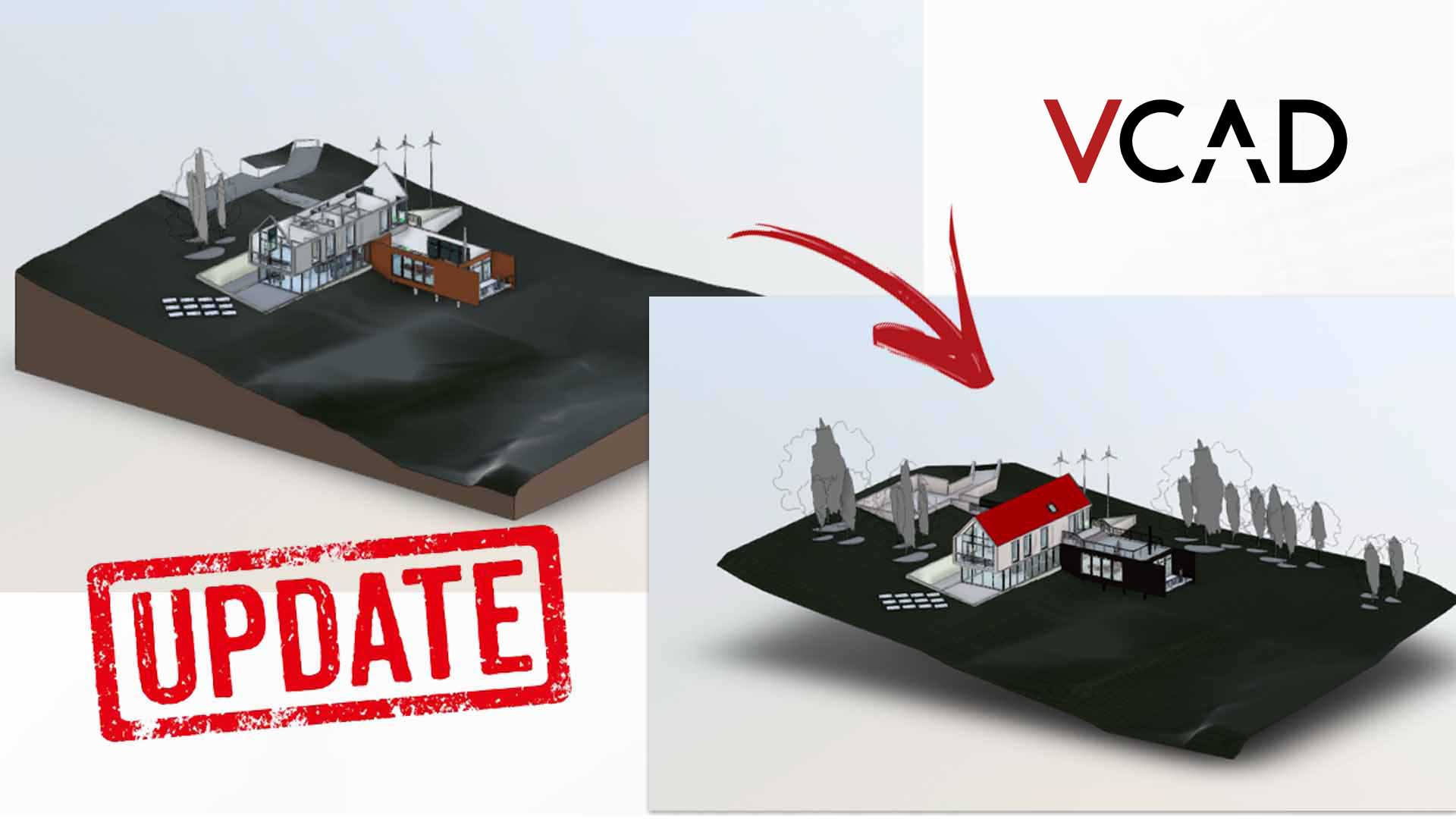

Vcad’s new templates introduce several new features in terms of usability, optimization and user experience.
Click here to read the article.
In this article we look in detail at one of the new features that greatly simplifies the following tasks:
- replace a BIM model with a different one;
- change the source view or phase (only for BIM formats that support views, e.g., Revit);
- use Power BI’s scheduled refresh.
The new templates will feature centralized management of configuration parameters. This allows the user to perform operations, which previously required time and attention, extremely easily and quickly.
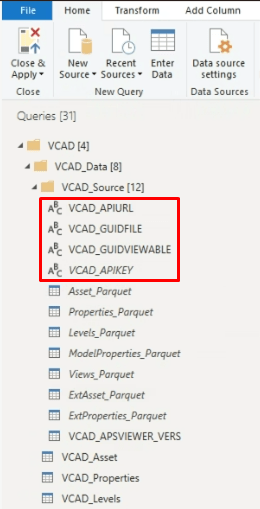
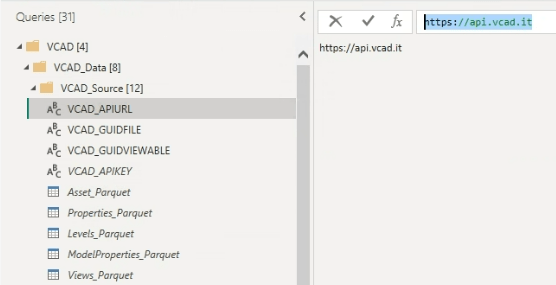
API url
This is the URL to which the report must point in order to use Vcad services. This parameter should never be changed because it is set to the default Vcad cloud services.
GUID FILE
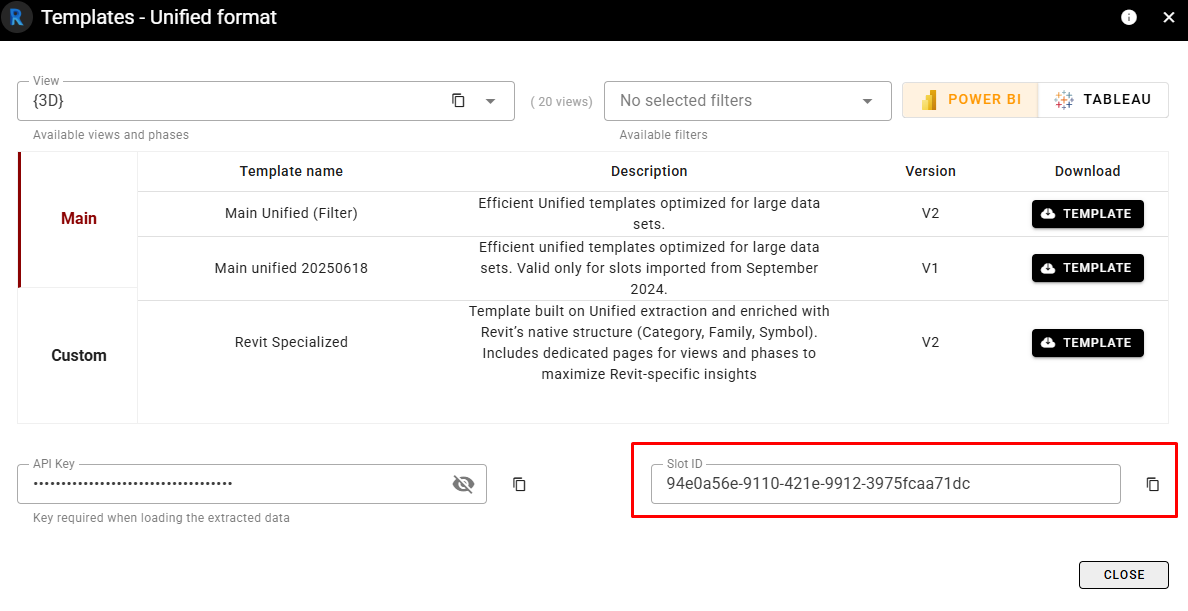
This is the ID of the Vcad slot to which the report will point. This will determine which model will be rendered and which datasets will be downloaded.
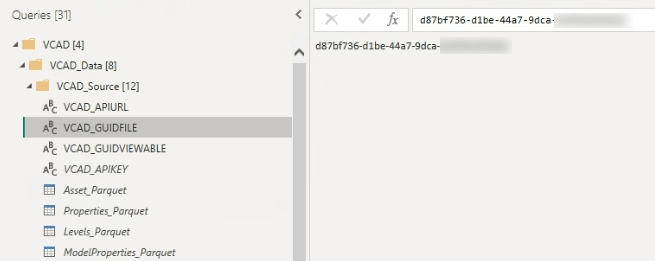
If there is a need to update the report source for a different BIM model than the one used, simply change this parameter, apply the changes when prompted by Power BI, save, and you are done.
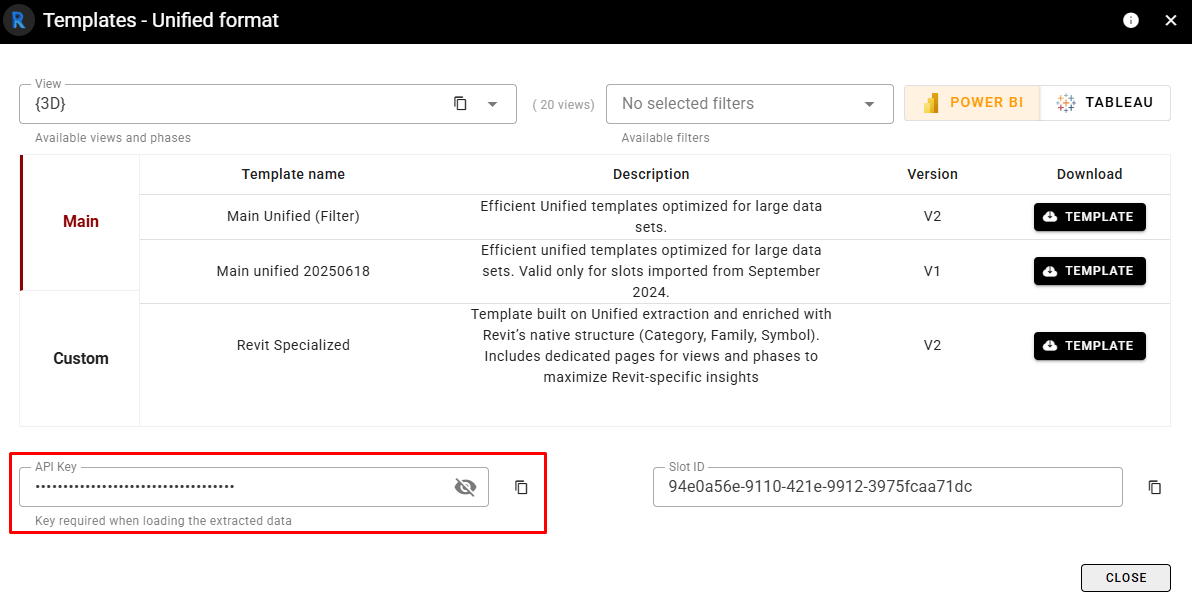
The slot ID can be retrieved in the template downlaod window.
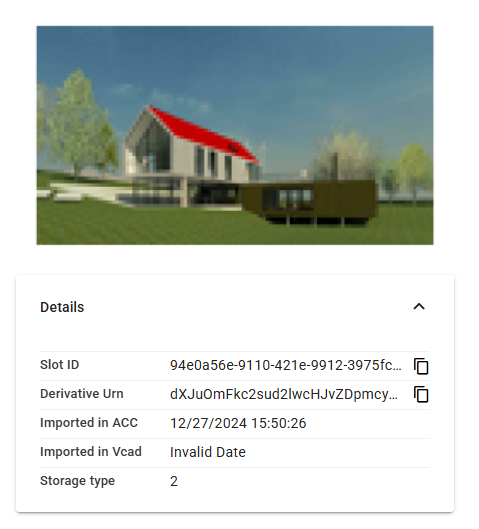
Or in the Additional Info section, if you use Vcad for Autodesk Construction Cloud.
GUID VIEW
This is the the GUID of the view/phase to be used (only for BIM formats that support views, e.g., Revit).
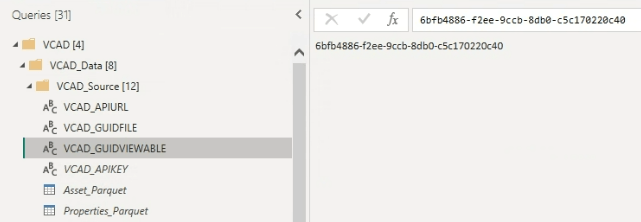
In the case of files that support views, the VIEWABLE GUID parameter must also be updated when changing the BIM model source.
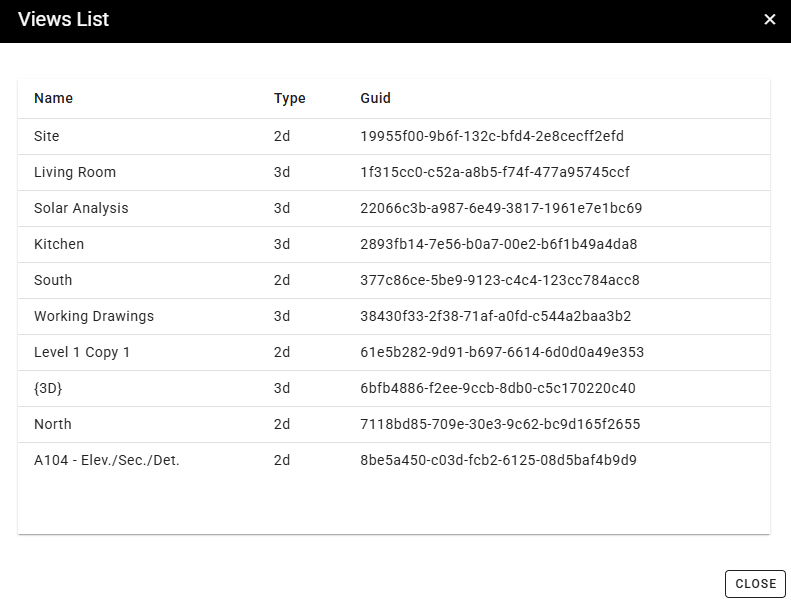
The GUID of the view can be retrieved clicking the VIEW LIST button after selecting the file.
API KEY
This is the security API KEY, more info here.
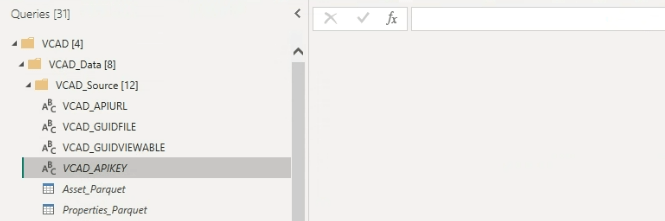
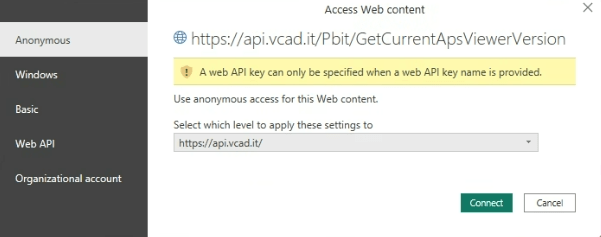
Filling in this field with your own API KEY is useful if you want to use the Scheduled Refresh in Power BI. In this case the API KEY is saved in the report and the calls to Vcda services must be made from the Anonymous tab as the API KEY will be included in the query string.
The API KEY is unique for each user and can be found in the template download window.
FOR NERDS
We have previously seen how to retrieve file and view IDs in Vcad.
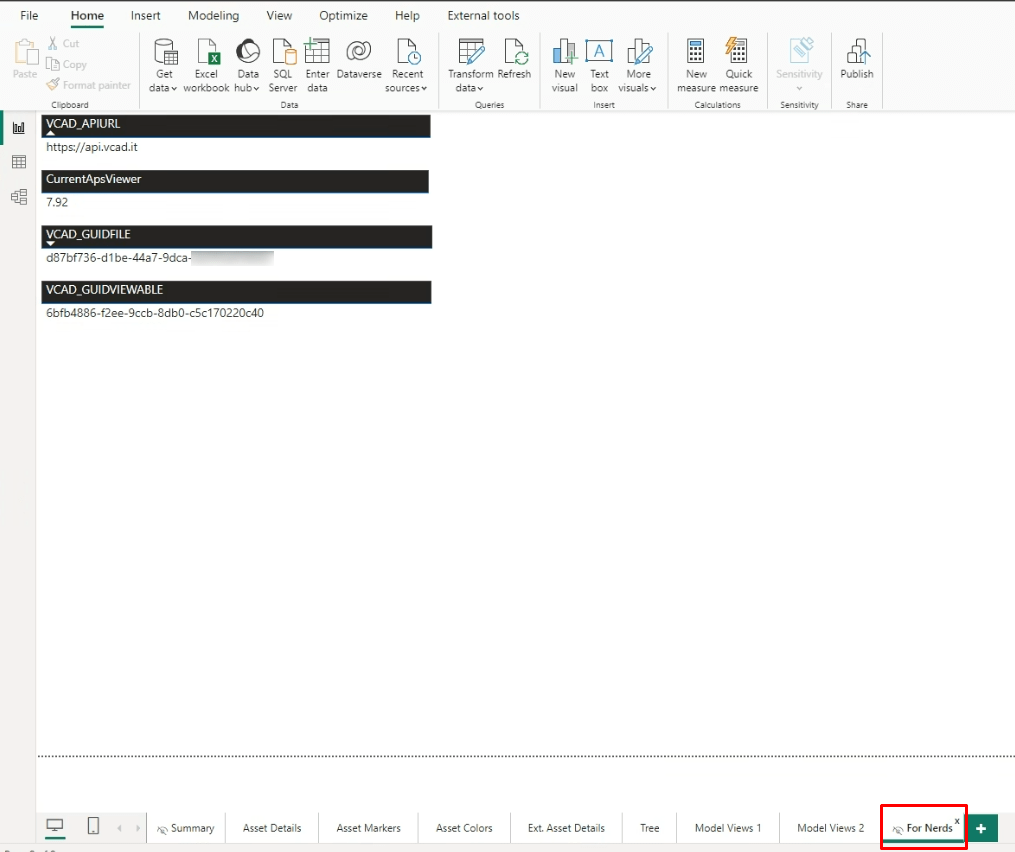
To make it easier for users to find these data in the template, we created a page called “FOR NERDS” that contains the API URL, the version of APS used, the slot ID, and the view ID, if any. The page is hidden by default as it is meant development purposes.