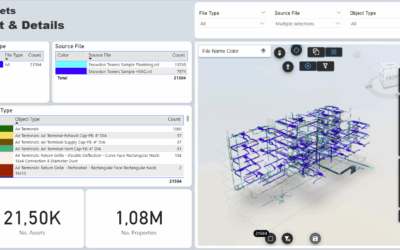
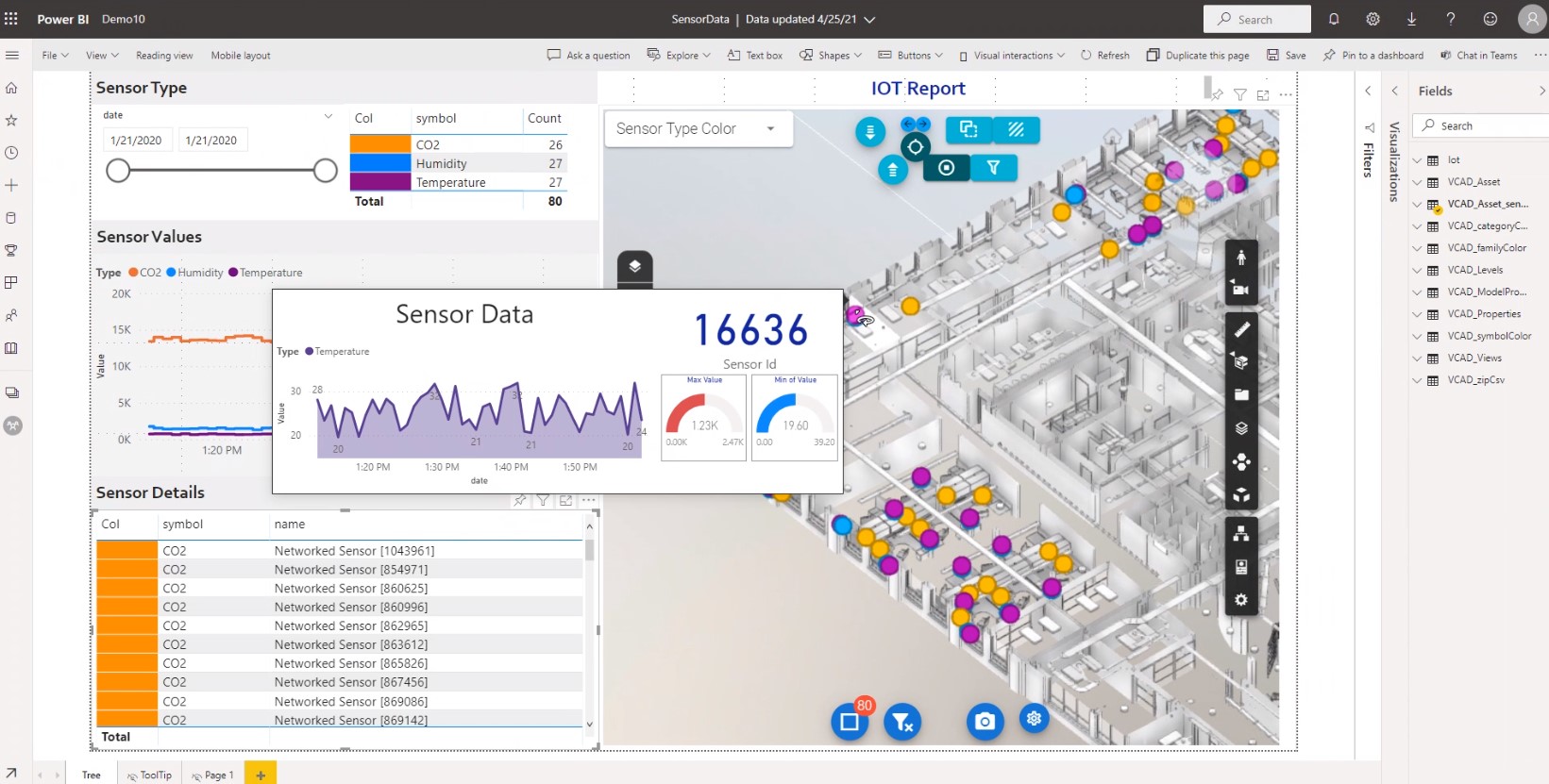

From a needs of one of our customers, Vcad is enriched with a new feature: the possibility of choosing the default coloring of all elements of the Bim model.
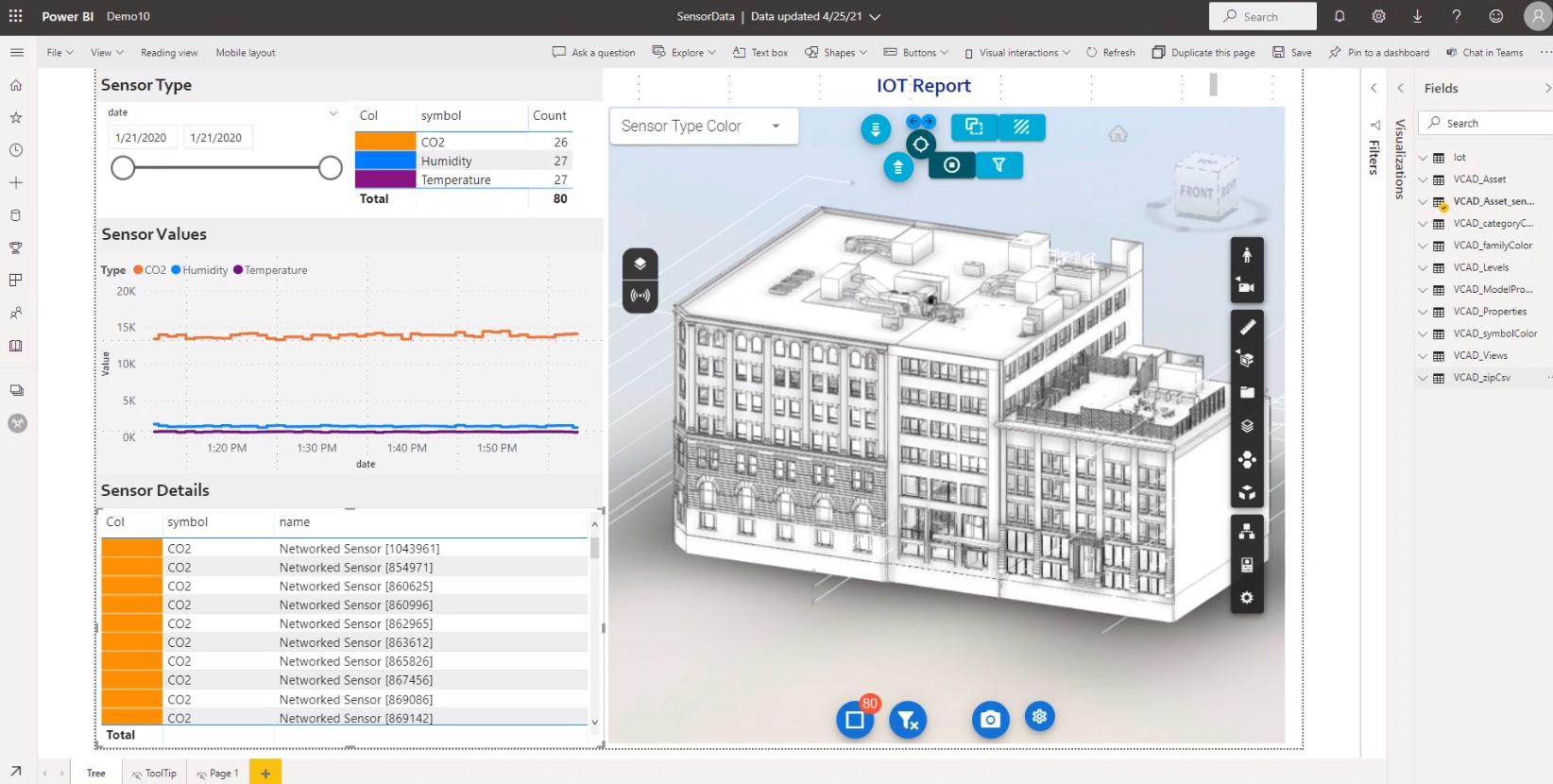
Assigning a color in greater contrast with the selection color of the elements allows the user to identify the result of the selection more clearly. The new feature is also very useful IOT scenarios and makes the identification of the sensors within the model even more evident. Thanks to this new function, our reports acquire better usability on a visual level.
Changing the color is very simple. Watch the video below to see how.
The new option will be released in the next update.