
What is an OBJ file?
OBJ is a geometry definition file format first developed by Wavefront Technologies.
This is an open format adopted by other 3D graphics application vendors.
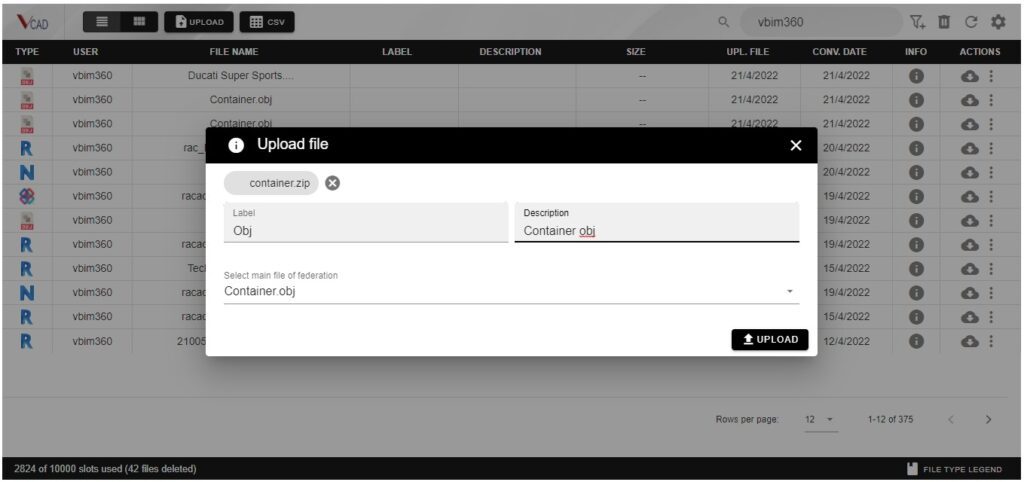
Upload an OBJ in Vcad Standalone
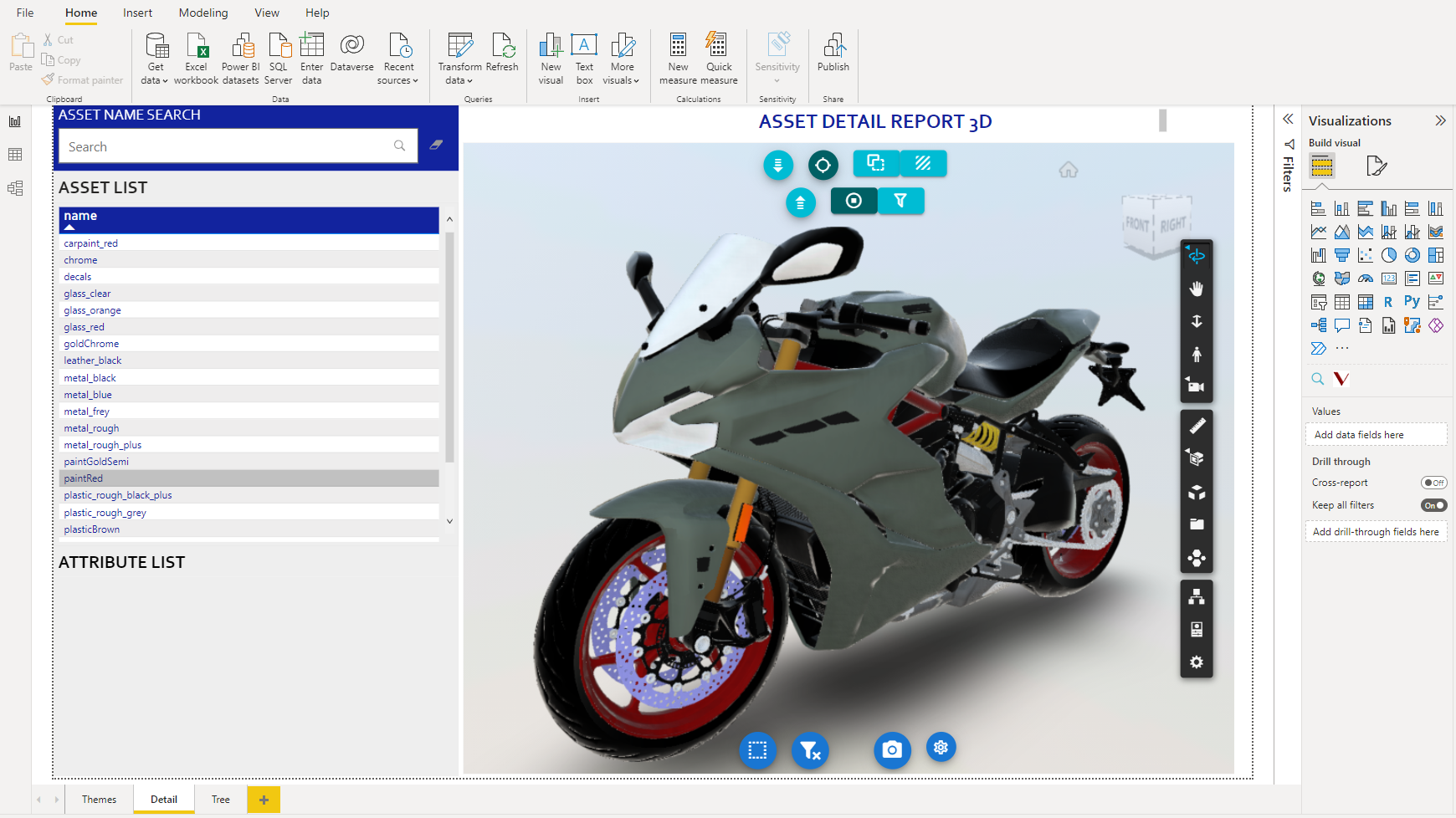
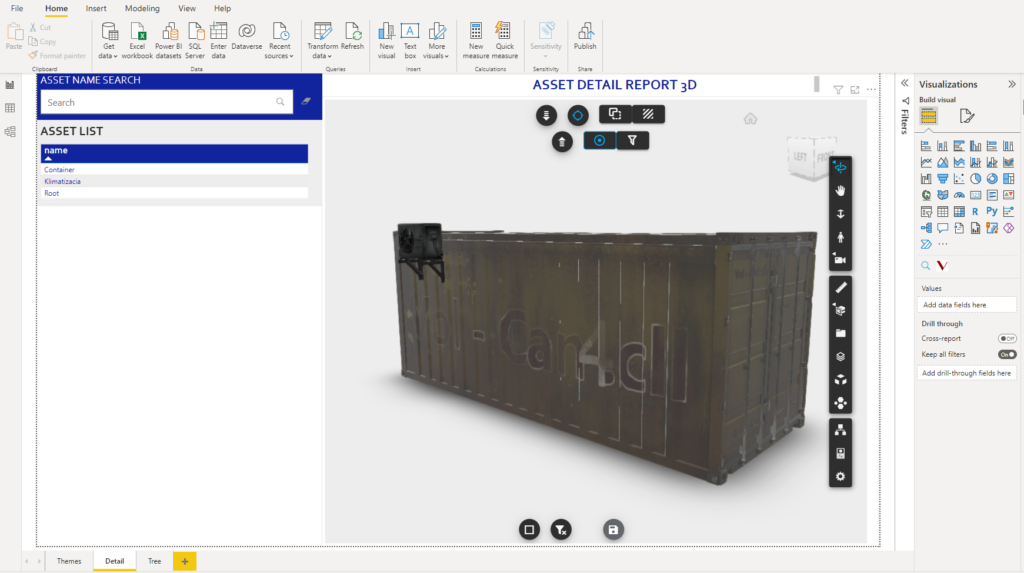
You can now import OBJ files with .jpg or .png textures into Vcad standalone using the Autodesk Forge® viewer.
The file upload procedure is, as always, very simple. The files to be imported must be zipped into a single file and uploaded, then you simply have to wait for it to be converted and download the template.
The resulting report will include the rendering of the OBJ model with the relative textures.
Upload an OBJ in Autodesk Construction Cloud®
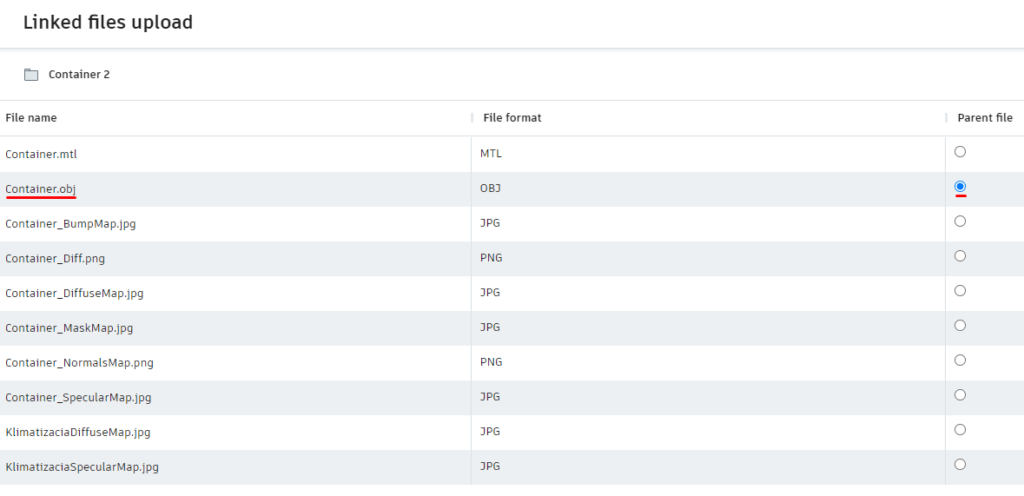
The procedure for importing an OBJ with textures in Autodesk Construction Cloud® is the same as for linked Revit files.
Start by using the “Upload linked files” option and selecting the OBJ an texture files, you will then have to determine which is the “Parent”, in this case the file with the .obj extension.
Watch the video below for more details.