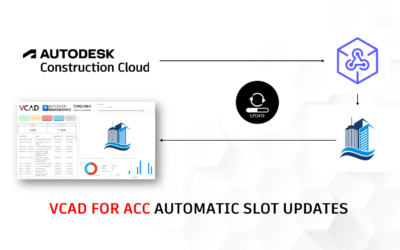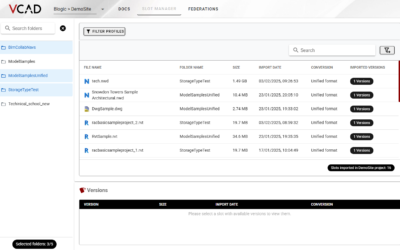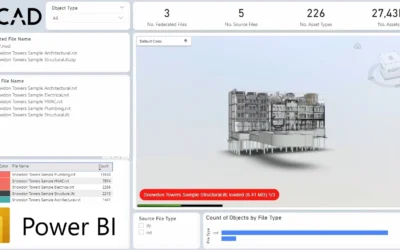

To be able to use Vcad for Autodesk Construction Cloud® it is necessary to authorize the app through your Autodesk account. To do this you need an administrator account, let’s see how to do so, step by step.
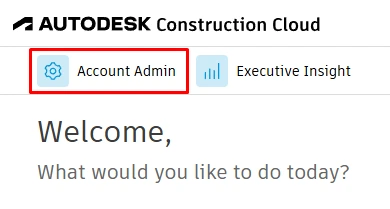
After logging into Autodesk Construction Cloud® or BIM360, click on the top left menu and select ACCOUNT ADMIN.
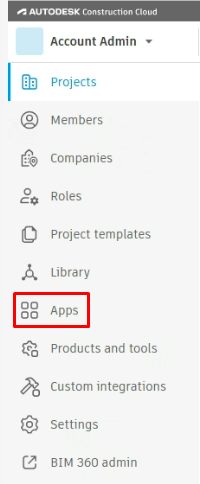
Then open the APPS page in the left menu.
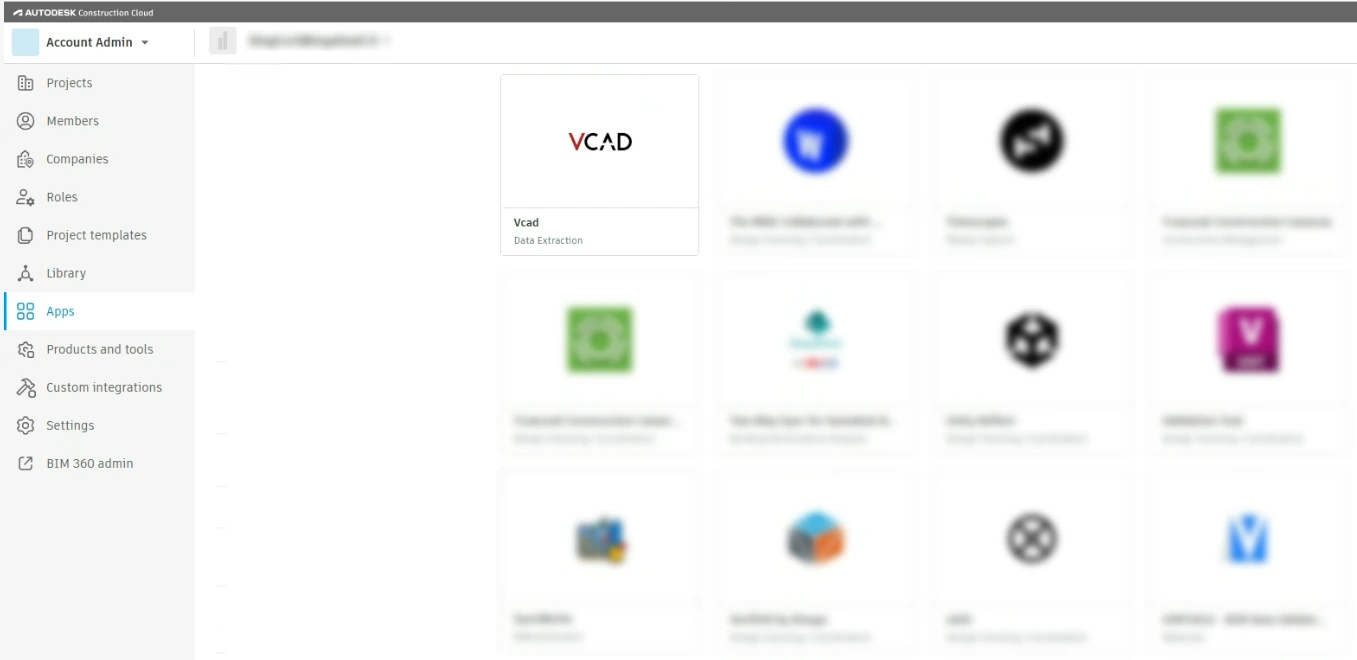
Finally, find and select the Vcad app.
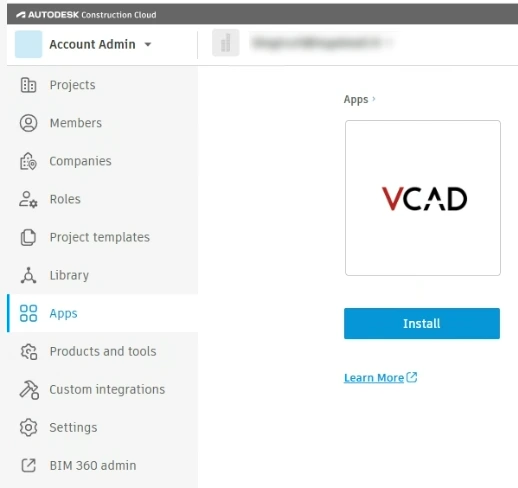
Click on the INSTALL button.
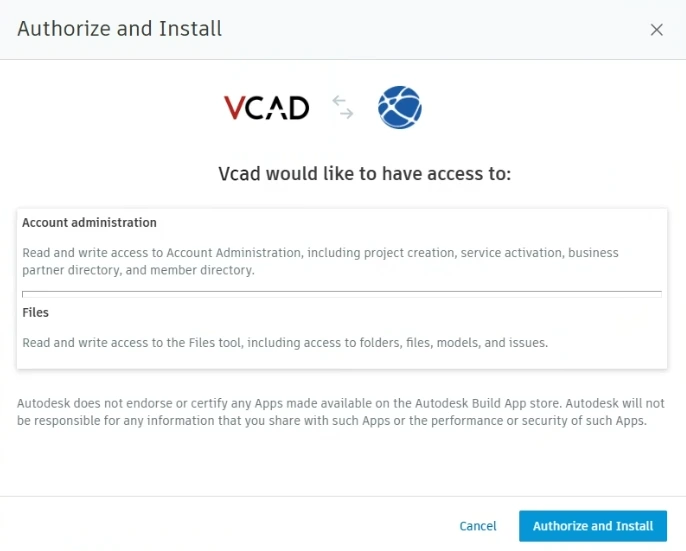
Click on the AUTHORIZE AND INSTALL button in the next window.
Done!
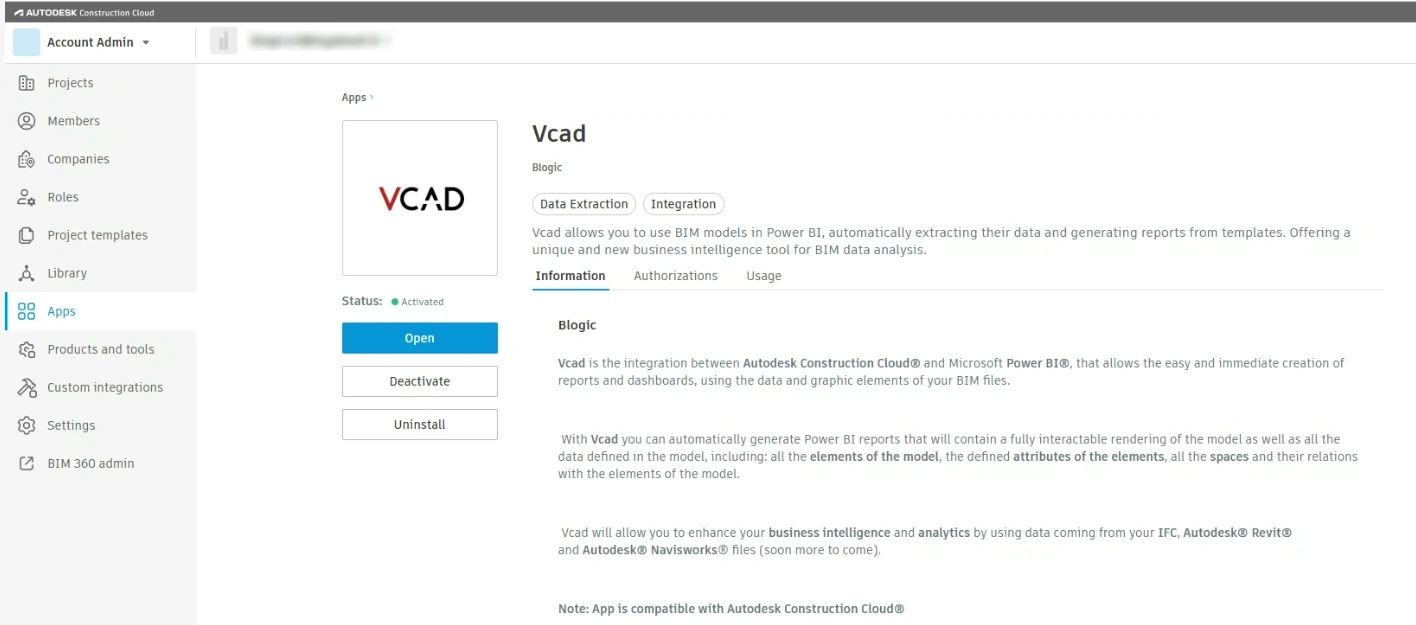
The Vcad app has been authorized. Click on the OPEN button and access Vcad for ACC.
As soon as you log into Vcad, a 10-day trial period with 10 slots available will be activated.
This means that you will be able to use the templates generated using 10 BIM files at the same time and you will have access to all the functionalities of Vcad.
If you need more information or if you want to schedule a demo you can use this form.